
Related on 4X4 Specialist
- ‘No Fault Found’ at the Dealer – What to Do When Your Range Rover Still Has a Problem
- All-Terrain Tyres on a Range Rover – What You Gain & What You Give Up
- Read: Best Tyres for a Range Rover – Michelin vs Pirelli vs Continental Compared
→ Range Rover & Land Rover diagnostics · Browse our full Land Rover & Range Rover knowledge base

Why Generic OBD Scanners Don’t Work Properly on Range Rovers & Land Rovers
You plug in a £30 generic OBD scanner, it returns no engine codes, and you relax. Don’t. Range Rovers and Land Rovers hide most faults behind proprietary JLR systems; a clean P0xxx list often means only the engine is clear. If you own a P38, L322, LR3 or later L405, know that full diagnostics need tools that speak Jaguar Land Rover language.
Short answer: why generic obd scanners range rover fail
Short answer first: generic OBD-II scanners only cover the standard powertrain P0xxx world, RPM, coolant temp, fuel trims and basic emissions monitors. They will miss the 80+ modules that a modern Range Rover uses, including air suspension, Terrain Response, transfer case and body control.
Detailed explanation: Jaguar Land Rover uses proprietary protocols and CANBUS wiring beyond the OBD-II baseline. Dealer-level tools access module-specific UDS and manufacturer modes, they read Mode 06 data, pending codes and freeze-frame for non-engine modules; cheap scanners do not.

What a generic scanner can actually read
Practical list: generic obd scanners range rover owners should expect to see engine management codes in the P0xxx family, live engine values such as RPM, coolant temperature, intake air temp, short and long term fuel trims, O2 sensor voltages, and basic emissions readiness monitors.
Checks you can do at home: run an engine-only read to confirm no P0300 misfire codes, P0420 catalyst efficiency issues, or P0401 EGR flow codes. A £30 tool will clear those engine codes, but clearing does not fix EAS, ABS or transfer case faults.
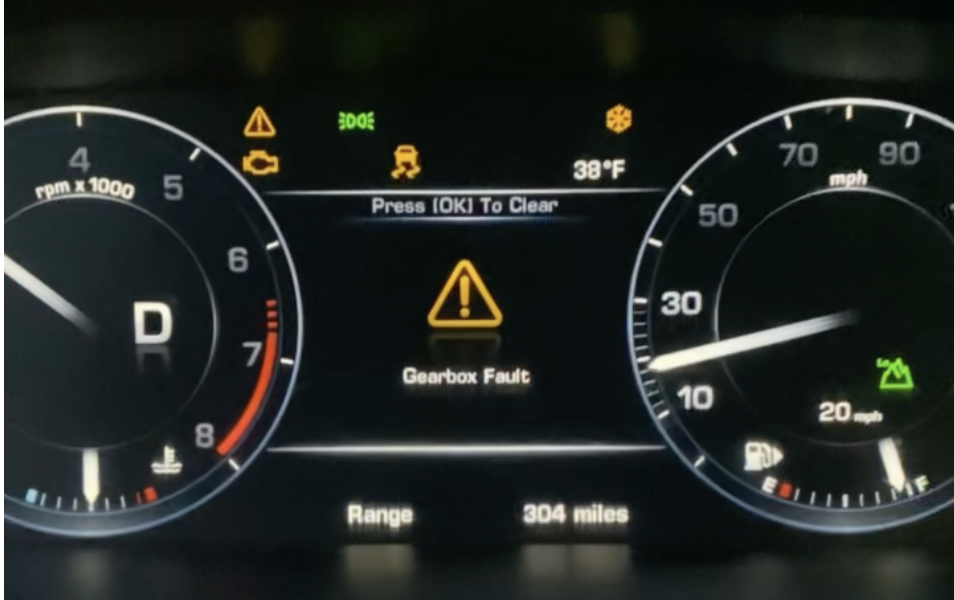

A cheap OBD-II reader only reliably covers engine and emissions P0xxx codes; suspension, gearbox and body faults remain hidden.
Systems generic scanners miss: air suspension, ACE, ABS and more
The invisible list: air suspension (EAS/ACE), Terrain Response, transfer case, ABS/ESP with wheel speed sensors, instrument cluster coding, infotainment CAN modules, and aftertreatment NOx and DPF modules. For example, an L322’s EAS compressor often develops piston seal leaks around 80,000 miles, a fault a cheap scanner will not report.
Practical symptom check: if you see a suspension sag, odd ride heights, warning lamps for HDC or AWD, or a gearbox limp mode, assume the fault lives in a non-powertrain module and will not show on a basic read.
Model-specific compatibility problems: P38, L322, LR3 and older cars
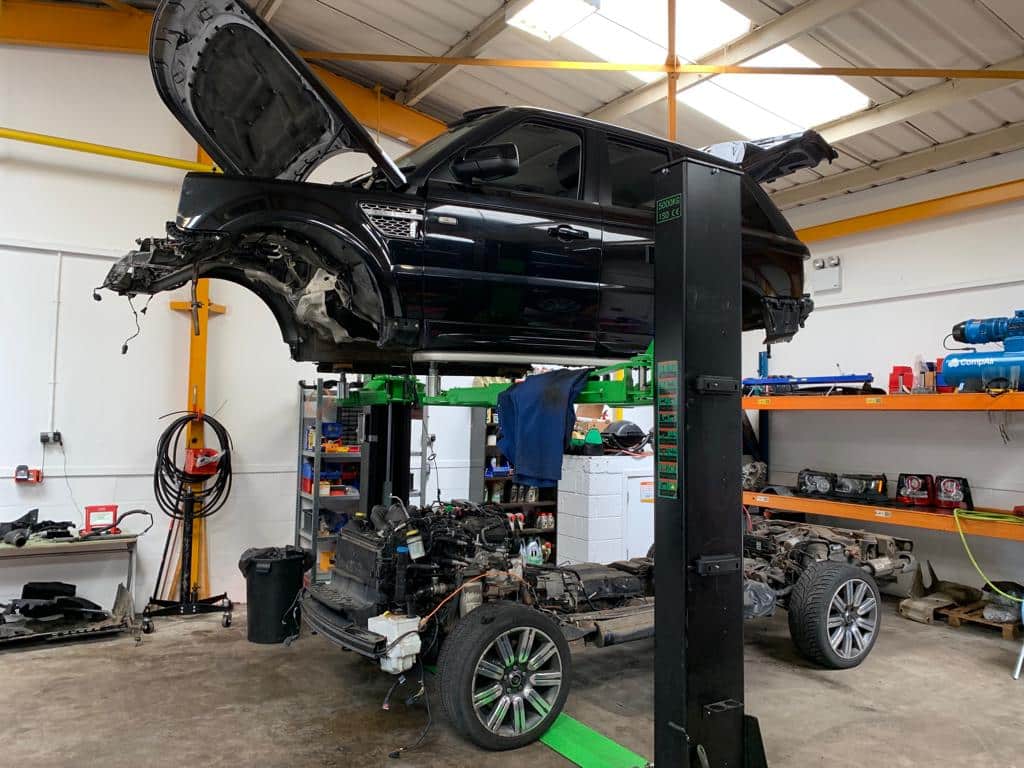
Older Land Rovers can be worse: the P38 and early L322 Range Rovers are not fully OBD-II compliant, so even basic engine data can be limited or absent. LR3 and Discovery 3 models use different CAN partitions so a generic scanner might only see the ECU and nothing else.
What to check: know your model code before buying tools. If you have a P38 or pre-2003 L322, expect patchy coverage. LR3 and Discovery 4 from around 2004 onwards improved OBD compliance, but full module access still needs JLR-aware tools.

Enhanced scanners (£200-£800) add limited JLR access but cannot replace dealer tools for calibrations, coding or software updates.
Common connection problems and OBD port fitment
Physical issues: cheap scanners often fail to connect because pins on the OBD port are worn or the scanner’s plug is cheap and loose. High-use Range Rovers with many plug-unplug cycles develop bent pins or corrosion; try a second known-good cable or wiggle the plug while observing connection attempts.
Quick checks you can do: inspect pin 4 and 16 for good chassis and battery power, check for bent pins in the connector, and try ignition on with engine off to read live data. If the scanner connects intermittently, don’t assume the car is clean; the hardware may be hiding modules.
Risks of using cheap scanners for resets and adaptations
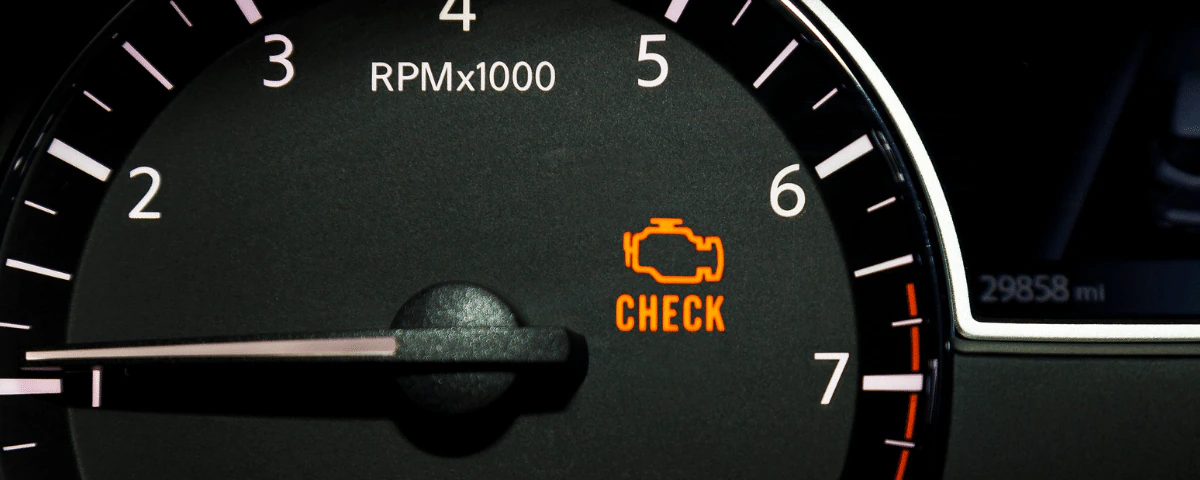
Why resets are risky: some bargain scanners attempt battery registration, EAS height recalibration or DPF regeneration without full module knowledge. Incorrect resets can mis-code modules, leave the park brake unregistered, or place the ECU in limp mode; these faults often cost hundreds of pounds to diagnose and correct.
If you must reset: limit home tools to reading codes and reporting. Avoid service functions like throttle adaptation, ABS bleeding procedures, or airbag clears unless you have confirmed, model-specific instructions and a known-good enhanced tool.

Pre-purchase checks or any non-engine warning lights should trigger a full Pathfinder-level scan to reveal hidden faults.
Enhanced DIY scanners vs dealer-level tools
Mid-range tools: enhanced scanners in the £200 to £800 range sometimes add partial JLR module coverage, but expect patchy access and occasional mistranslated codes. They are useful for basic checks on LR3 or Discovery 4 but cannot perform full calibrations, adaptations or software updates.
Dealer-grade tools: JLR Pathfinder, Nanocom and GAP IID provide full UDS access across every module, they allow coding, calibrations and authorised software installs. Pathfinder licences and hardware cost run into thousands of pounds annually, which is why specialist garages and dealers are the only practical option for complete diagnostics.

Recommended diagnostic approach for DIY owners
Short checklist: start with a generic scan to catch P0xxx engine codes, then visually inspect suspension and listen for airbag or ABS warnings. If you have air suspension sag, transfer case limp mode, or instrument cluster errors, arrange a full JLR scan; those faults live in non-OBD modules.
When to call a specialist: book a full JLR-level diagnostic if you need module coding, EAS recalibration, transfer case diagnostics or a pre-purchase electrical check. For a complete vehicle health check including Pathfinder-level access, see our diagnostics page at full Range Rover diagnostic service.

Diagnostic tool comparison
| Tool type | What it reads | Typical cost |
|---|---|---|
| Cheap generic scanner | Engine P0xxx codes, RPM, coolant temp, basic emissions monitors | £20-£50 |
| Enhanced JLR-capable scanner | Some chassis modules, limited JLR codes, partial adaptations | £200-£800 |
| Dealer-level tools (Pathfinder/Nanocom) | Full module access, coding, calibrations, software updates | Hardware + licence: thousands per year |
Frequently Asked Questions
Why can’t a generic OBD scanner read my Range Rover’s faults?
What can a generic OBD scanner actually read on a Range Rover?
Are ‘enhanced’ OBD scanners that claim Range Rover support any good?
What is JLR Pathfinder and what does it cost?
Can a generic scanner do any harm to a Range Rover?
Why does the engine management light come on but the OBD scanner shows no codes?
Can I rely on a generic scanner for a pre-purchase Range Rover check?
Where can I get a proper JLR Pathfinder scan in central Scotland?
Final Thoughts
A cheap OBD scan is a useful first step but it is only the beginning. If your Range Rover shows suspension sag, gearbox limp mode, or any non-engine warnings, a full JLR-capable diagnostic is the only reliable way to identify and fix the root cause. Know what your tool can see, and when to hand the keys to a specialist.
Book a full JLR diagnostic scan
For a complete Pathfinder-level vehicle health check across every module, call 4X4 Specialist at Alva Industrial Estate, FK12 5DQ on 01786 625624. We’ll run a full JLR diagnostic, provide a clear report, and recommend the right repairs.
Sources
- YouTube walkthroughs and Land Rover owner forums – Practical demonstrations and community experience on Land Rover diagnostics
- Workshop diagnostic guides – Procedures for scanning and basic Land Rover diagnostic routines